
Delphi Network Load Balancer
A service that distributes network load across cloud resources to ensure the fault tolerance of websites and applications.
High performance
Delphi Network Load Balancer processes network packets with minimum delay thanks to working based on OSI L4.
Checking resource availability
Set up automatic monitoring for your cloud resources and exclude those that do not meet your conditions for TCP or HTTP checks.
Even load distribution
Network Load Balancer allows you to evenly distribute any number of requests among the resources. You do not need to additionally setup anything when changing the incoming traffic.
Getting started
Create a network load balancer with a listener and attach a group of target resources to it.
Get started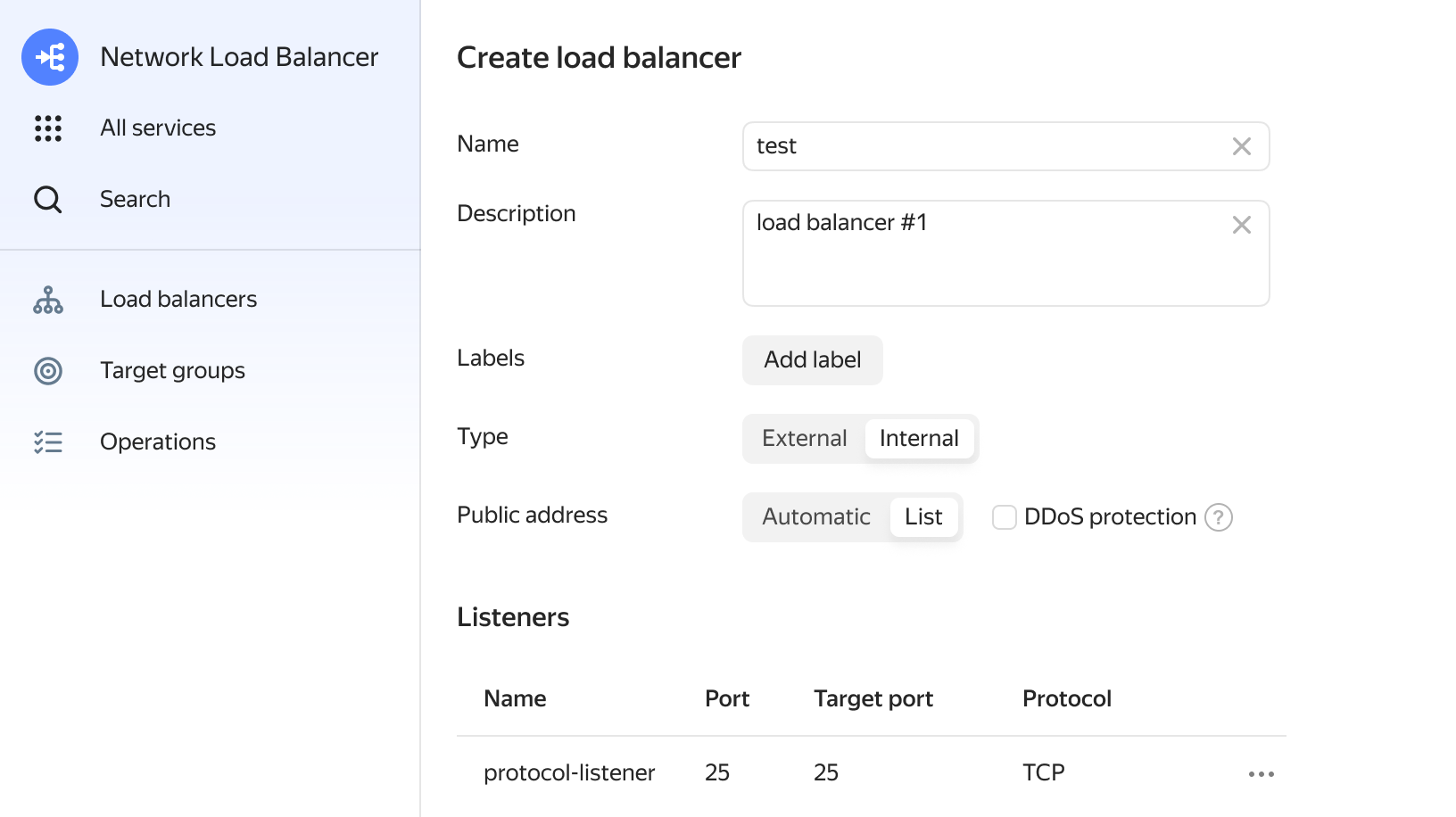
Questions and answers
Create your resources in multiple availability zones. Create your cloud resources in multiple geographically distributed availability zones. This way you can maintain the availability of your applications in case one of the zones becomes unavailable. Use different load balancers for different applications. If you use the Delphi Cloud infrastructure to deploy multiple applications, configure separate load balancers to serve them. Use the same amount of cloud resources in different availability zones. Place the same amount of cloud resources in each availability zone. If there are three VMs in each zone, the load balancer will distribute traffic equally.
In response to a status request, a resource reports that it’s ready to receive traffic or failed. Checks are performed via TCP or HTTP at the intervals specified in the configuration. The following should be specified for each check: Check interval, from 1 to 300 seconds. Check timeout, from 1 to 60 seconds. The timeout is the time allowed for the resource to respond to a check. If the resource doesn’t respond in time, the check is considered failed and the resource is assigned the UNHEALTHY status. Resource health indicators: the amount of successful or failed checks.
You can set up your architecture with L3 and L7 load balancing. The L3 load balancer will receive traffic and forward it to the target group of the L7 load balancers. They will distribute traffic across VMs with applications. You can use Delphi Compute Cloud VMs as L7 load balancers. To do this, install the necessary software on the VMs yourself.