Investigating incidents

All information about actions with key resources is available in one place. Quickly get all the information there is about actions with specific resources.

Collect, manage, and export audit logs of all events across your Delphi Cloud resources for compliance and security analysis.
Choose which resources to collect logs from: an organization and all of its clouds, a specific cloud, or certain folders within a cloud.
Export audit logs to an encrypted Object Storage bucket. Store logs for further analysis or export them to a third-party system.
Integration with Cloud Logging and Cloud Functions lets you set up triggers for events collected by Audit Trails to promptly respond to these events or notify users.
Use the Delphi Monitoring service dashboard to display the frequency of events by service or event type and create alerts for them.
Export events to Cloud Logging to view and analyze events from the last few days.
You can enable collection of events from the service level (data plane) and get information about what is happening with the contents of the resources.


Create an audit log and check its status and indicators in the monitoring system.
Get started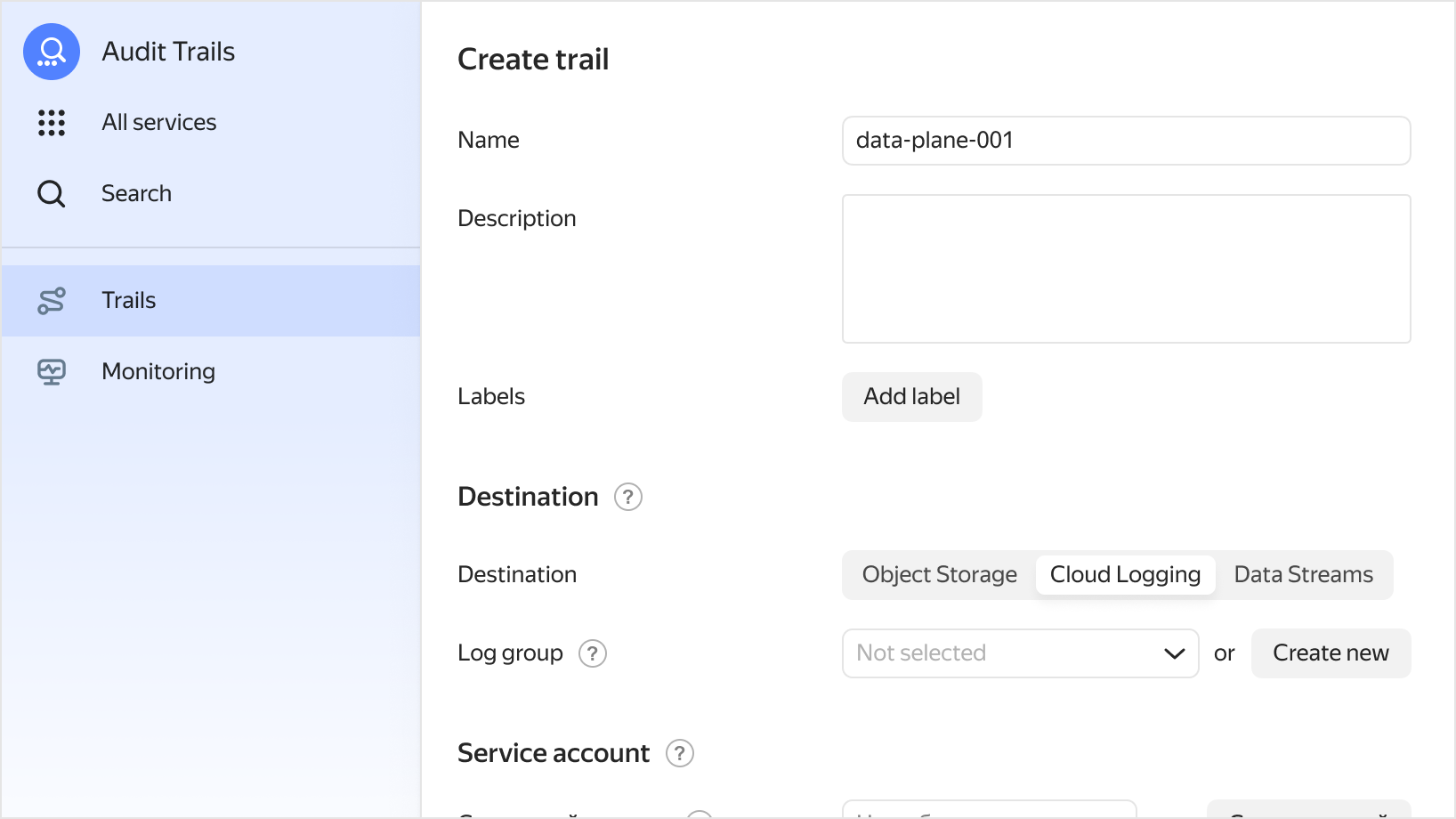
A trail is the main Delphi Audit Trails resource responsible for collecting and delivering audit logs of Delphi Cloud resources to Object Storage buckets or Cloud Logging log groups. In the trail settings, you can choose where to collect audit logs from: Organization: Audit logs from all of an organization’s resources in all of its clouds. Cloud: Audit logs from resources in all the folders of a specific cloud. Individual folders: Audit logs from resources in a specific folder in one cloud.
Events from the configuration level (control plane) are available for a wide range of services including API Gateway, Application Load Balancer, Audit Trails, Certificate Manager, Cloud CDN, Cloud DNS, Cloud Functions, Cloud Logging, Compute Cloud, Container Registry, IAM, IoT Core, KMS, Lockbox, Managed Service for ClickHouse, GitLab, Greenplum, Kubernetes, StoreDoc, MySQL, PostgreSQL, Valkey, and more.
You need to create a separate service account for a trail under which all actions for exporting logs to other services will be performed. You can grant access to this service account and manage it in IAM.
We have created a solution library with instructions you can use to continuously transfer Audit Trails logs to external monitoring systems, databases, and SIEM systems.